For iPhone
Catch your dream before it slips away
Speak or type it, get a personal reading in several styles, and keep a private journal.

Free on iPhone
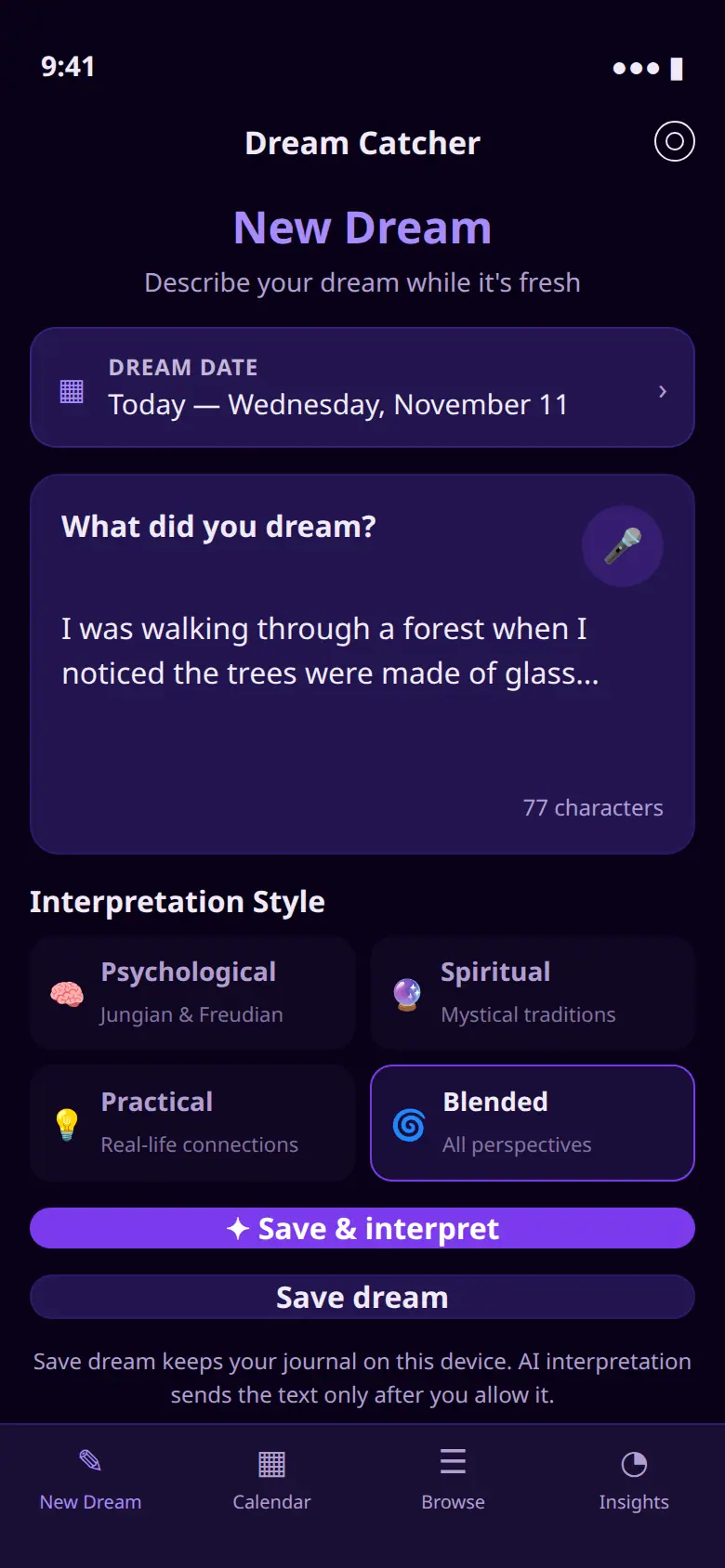
Log it in an instant
Speak into the microphone or type while the dream is still there. Save dream keeps the note on your iPhone. An interpretation is sent only after you allow it.
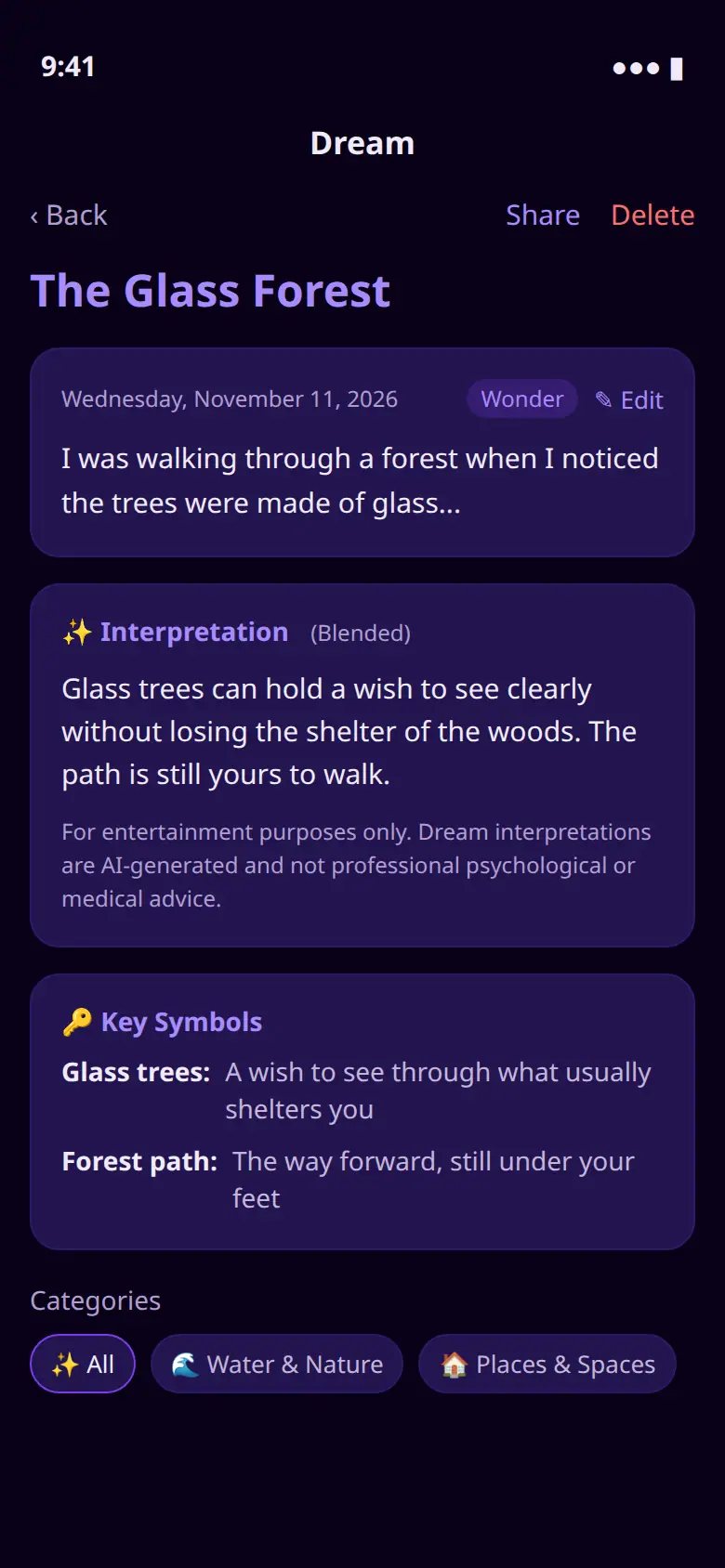
See what it might mean
Ask for a psychological, spiritual, practical, or blended reading. You get a title, the interpretation, an emotional tone, and the symbols in that dream.
Keep a private journal
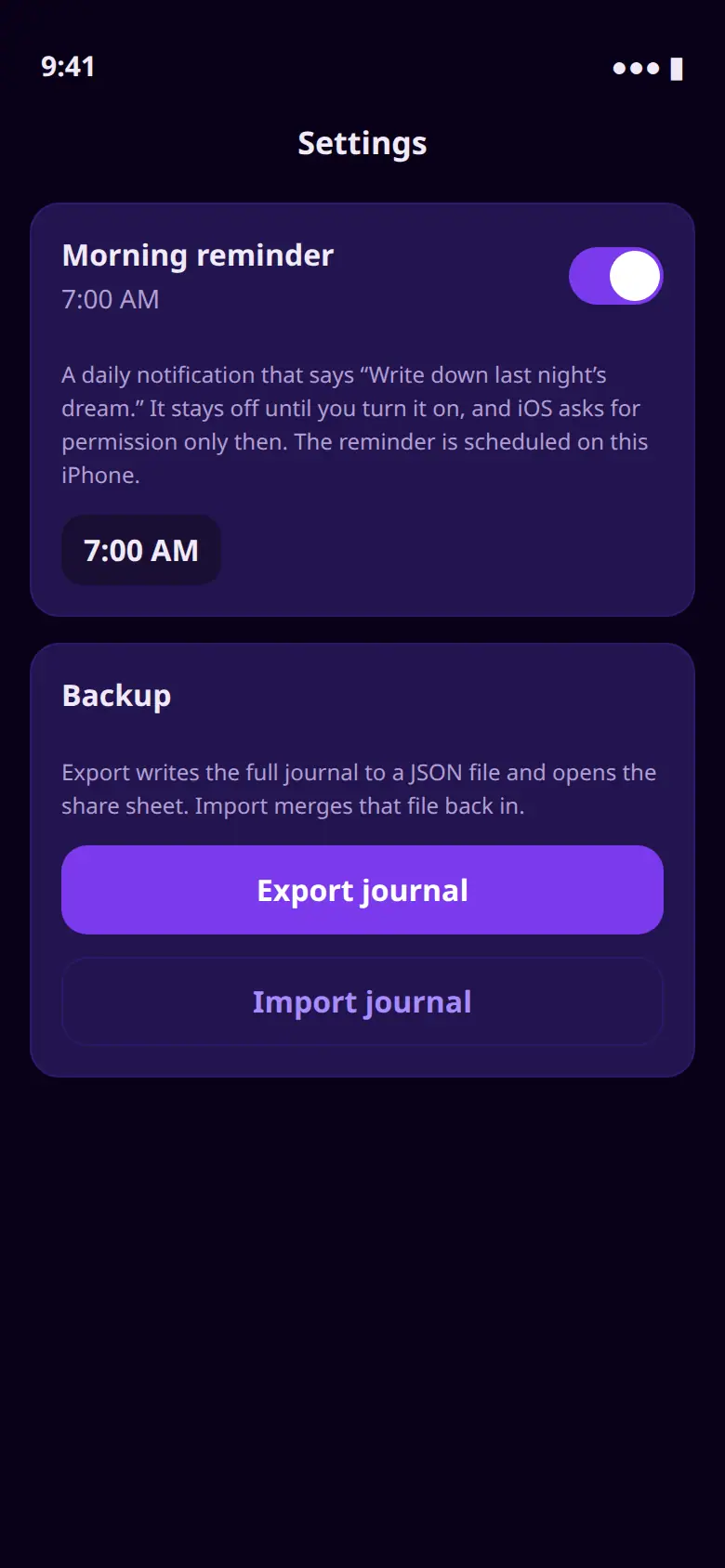
Edit a saved dream. Turn on a morning reminder that says “Write down last night’s dream.” Export a JSON backup, or import one back, when you want to.
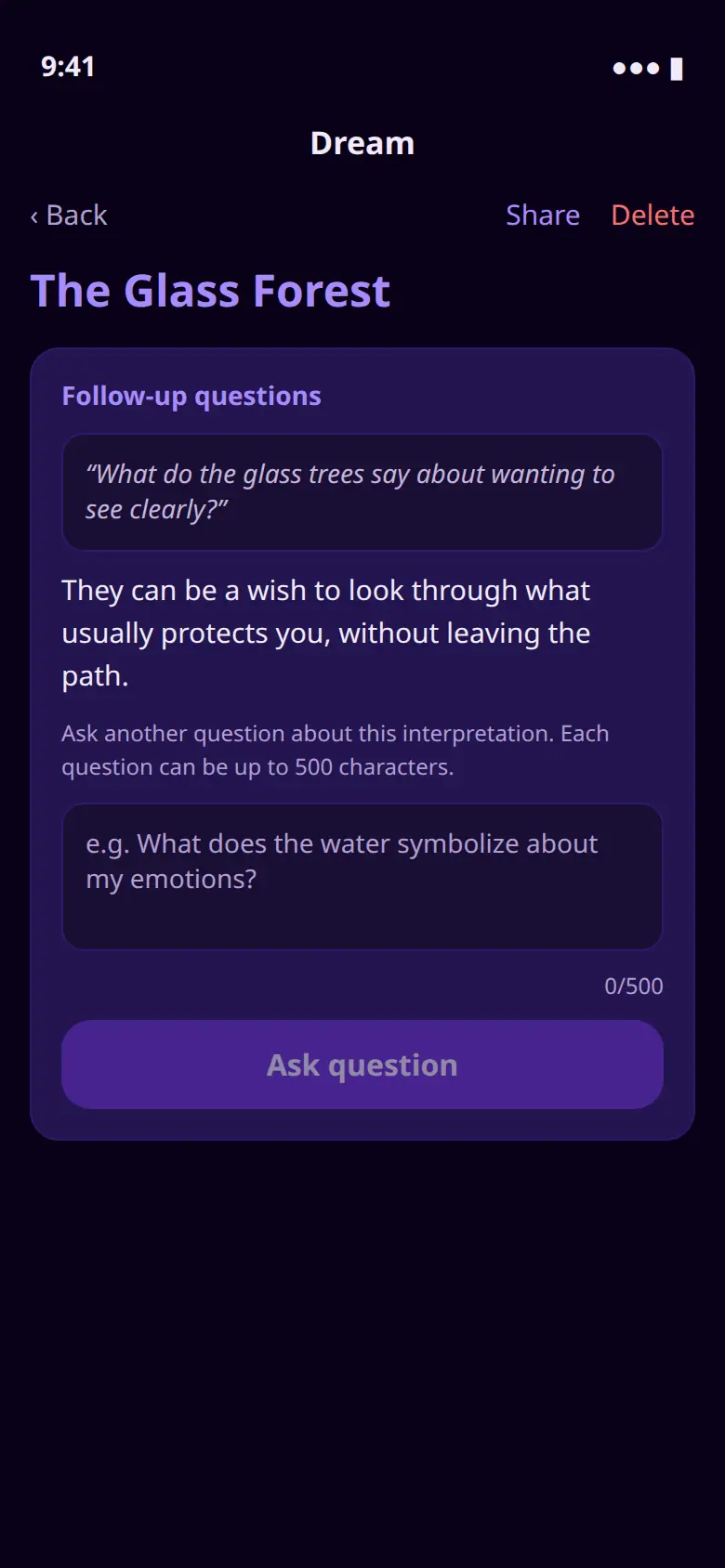
Ask your dream a question
After a reading, stay with that dream. A follow-up can be up to 500 characters, and the answer is kept with it on your iPhone.
A journal you keep
The journal stays on your iPhone. You decide whether to export a backup, and who you share that file with.
Readings are for reflection. They are AI-generated entertainment, not a diagnosis, treatment, or a prediction.
If you allow AI interpretation and ask for one, the dream text is sent to our server, which forwards it to Groq and does not store it. Capturing dreams works with that turned off. Privacy policy